3D design for engineering parts and electronics enclosures
The 3D Design Studio is parametric CAD that runs in the browser. Sketch on a plane or a face with dimensions and relations, build solids with features, assemble parts with mates, make engineering drawings and export files for 3D printing, with enclosures that fit your electronics.
A CAD workflow you will recognise
A nine-tab command bar, a design tree of parts, features and sketches, and an inspector for every property. Sketch, dimension and relate, then extrude, revolve, sweep, loft, shell, draft, fillet, chamfer, thread and pattern. Push-pull arrows resize a face by dragging it.
Assemblies and motion
Mates hold parts together: coincident, concentric, distance, angle, hinge, slider, gear, rack and pinion and more. A motion study drives motors and actuators through the mates over time, with collision detection, and records an animation.
Sheet metal and surfaces
Sheet metal parts with flanges, hems, bends and corner reliefs, laid flat with their bend allowance; surfaces as thin walls you can trim, extend and knit.
Drawings and files
- Engineering drawings with section, detail and auxiliary views, dimensions, GD&T and a title block, as SVG, DXF or PDF
- STL and 3MF (with colours) for printing, OpenSCAD source
- Mass properties, wall thickness, draft and clearance analyses
- A print workflow with orientation and supports
Enclosures for your boards
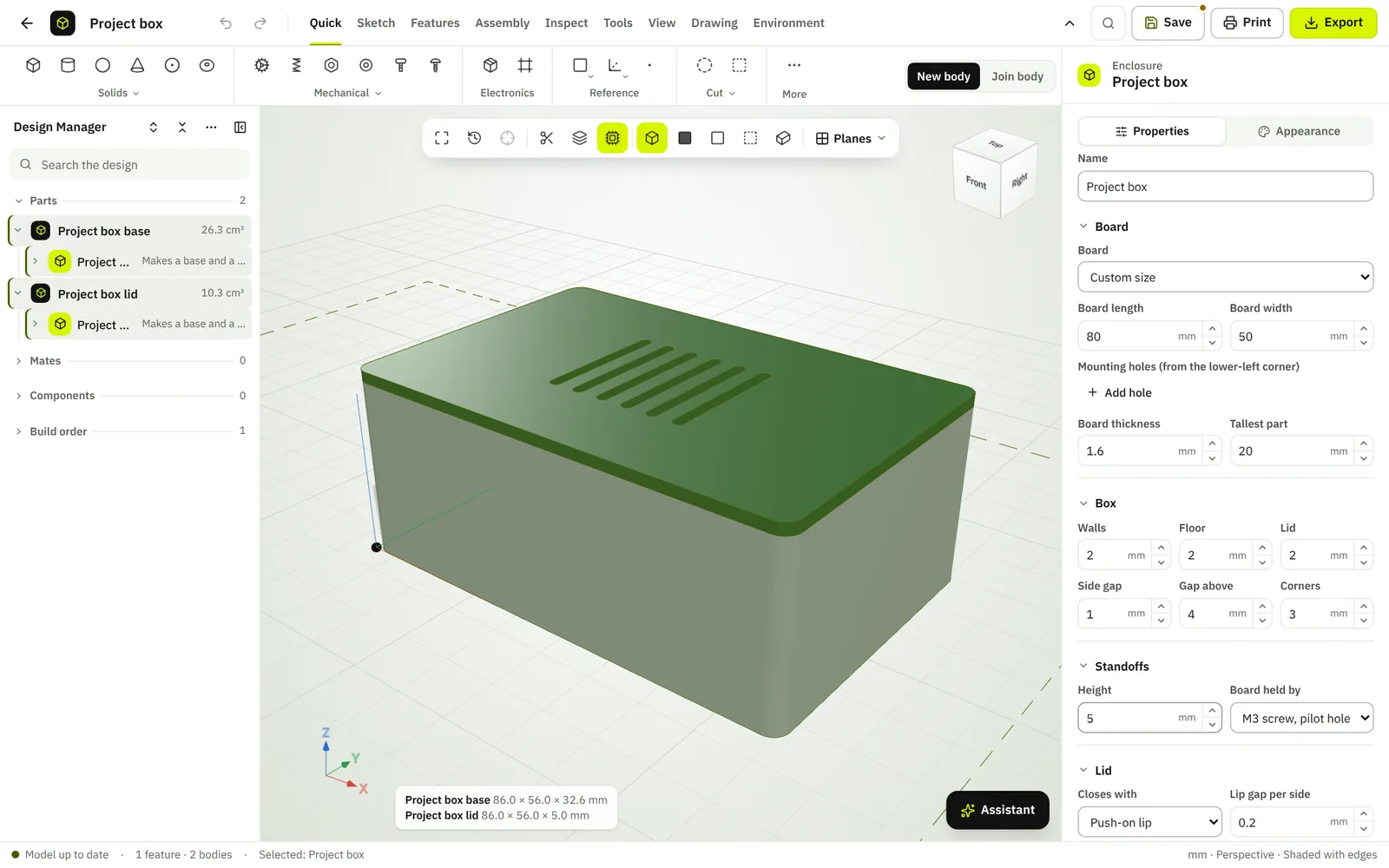
Generate an enclosure around an Arduino Uno or a board of your own size, with standoffs, connector openings and a lid, then check wall thickness and fit before you print.
Questions
Can I import STL files?
Yes. STL, OBJ and 3MF meshes import as mesh parts and are repaired into closed solids.
Is the 3D Design Studio free?
It belongs to the Plus plan, and stays open to everyone until paid plans go on sale.