Electronics and engineering tools for students
Simscuit gives students a full electronics lab in the browser, free to start: build and simulate circuits, program Arduino and ESP32 boards, design PCBs and 3D parts, program robots and learn to code, on any computer, Chromebook or tablet, with nothing to install.
Learn by building
Every tool is a place to try things safely. A wrong wire burns out a virtual LED, not a real one, and the Problems panel explains why. Templates and preassembled circuits give working starting points.
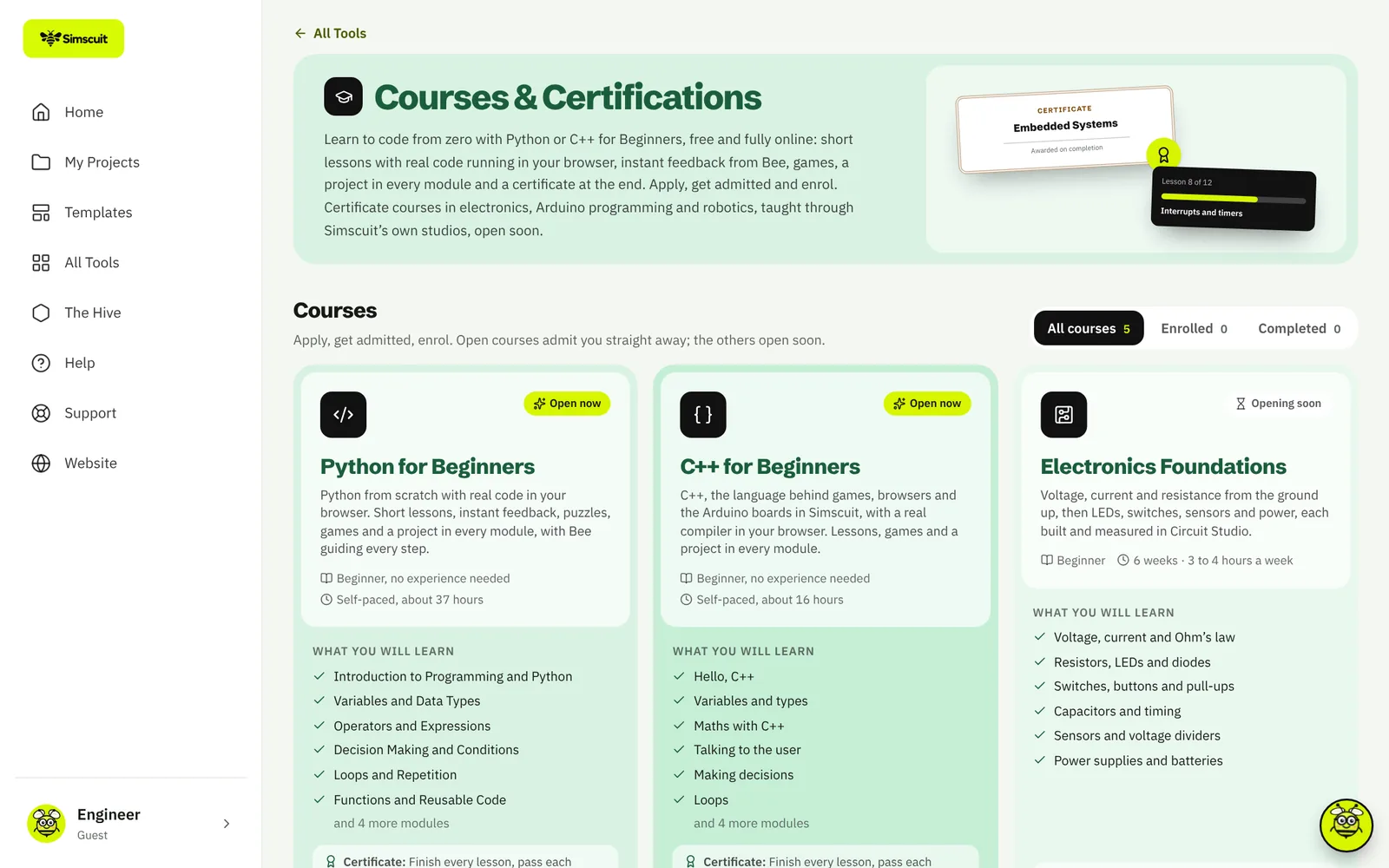
Courses and certificates
Python for Beginners and C++ for Beginners are free and fully online. Python runs on real CPython and C++ compiles with real Clang, right in the browser, so what students learn is the real language, projects, quizzes, games and a certificate. Certificate courses in electronics, Arduino programming and robotics are on the way.
Practice and explore
- Games for resistor colour codes, Ohm’s law, unit prefixes and logic gates
- Quizzes on electronics, Arduino and the multimeter
- Explorer: more than 120 machines, instruments and components in 3D, with a quiz for each
- Tutorials that open a working circuit
For teachers and schools
Schools and universities get an organisation workspace: administrators create student accounts, choose which tools are on, share projects and follow usage.
Questions
Is Simscuit free for students?
Yes. The free plan covers Circuit Studio, simulation, the courses, games and Explorer.
Does it work on a Chromebook?
Yes. Simscuit runs in the browser and can be installed as an app.