One ecosystem. Twelve ways to create.

Everything you need to bring your ideas to life.

From designing circuits and building robots to modelling enclosures, programming boards and planning real projects, Simscuit brings the tools, the lessons and the community together in one connected place.

tools in one account
12tools in one account
machines and parts to explore in 3D
100+machines and parts to explore in 3D
robot platforms on real physics
16robot platforms on real physics

Learn and discover

Understand how things work before you build them.

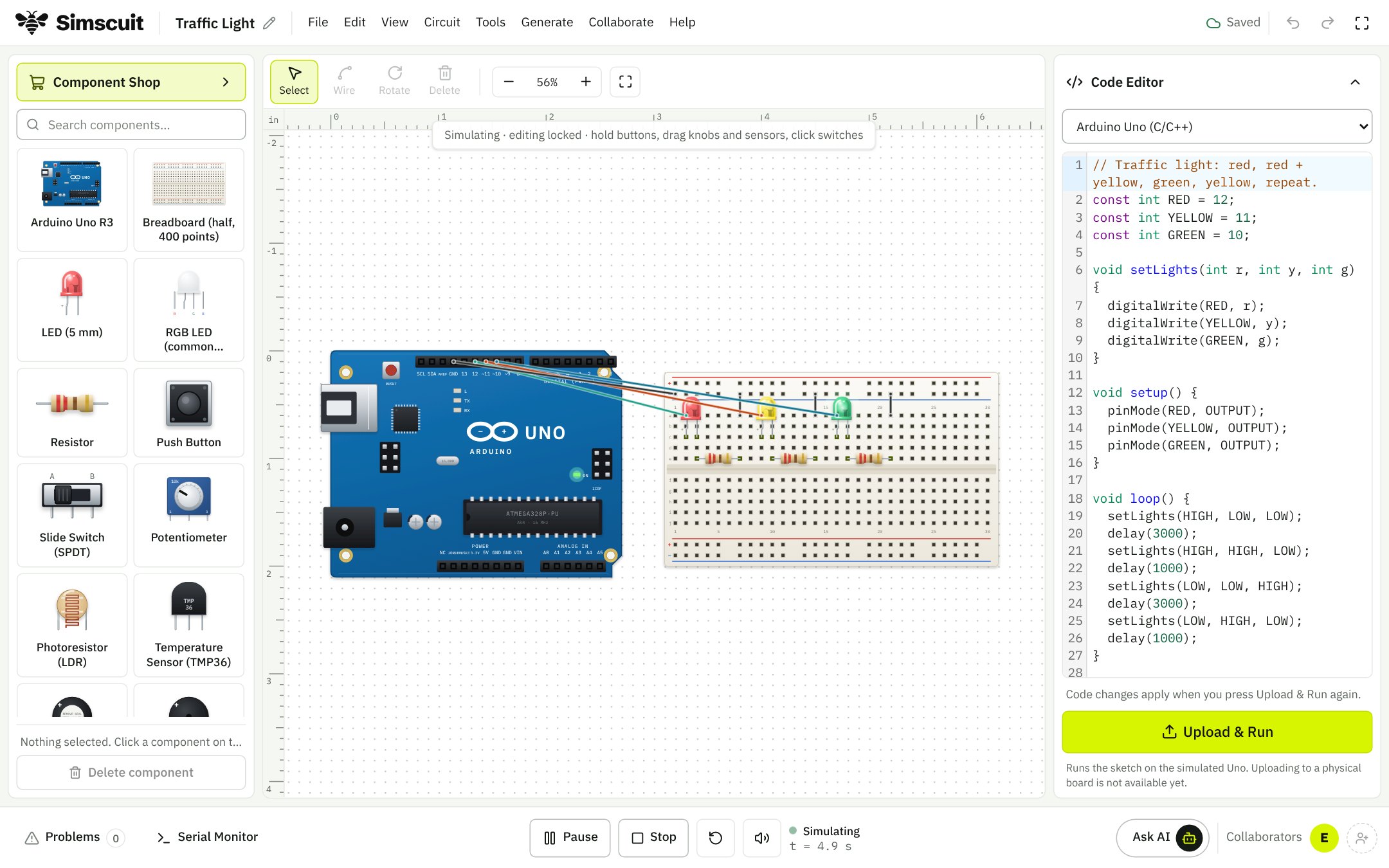
Circuit Studio running a traffic light circuit on an Arduino, opened from a lesson

Tutorials

Learn something. Build something.

Short, practical lessons in electronics, programming and circuit design. Each one explains an idea step by step and opens a working circuit, so you can run it, change it and see what happens.

What you can do

  • Follow step-by-step lessons that open a working circuit in Circuit Studio
  • Watch video demonstrations
  • Browse by topic, category and difficulty
  • Save the lessons you want to come back to

Why it helps

  • Go from reading about an idea to running it in minutes
  • Learn at your own pace, by changing things and watching what happens
Engineering Explorer

Explore the world of engineering.

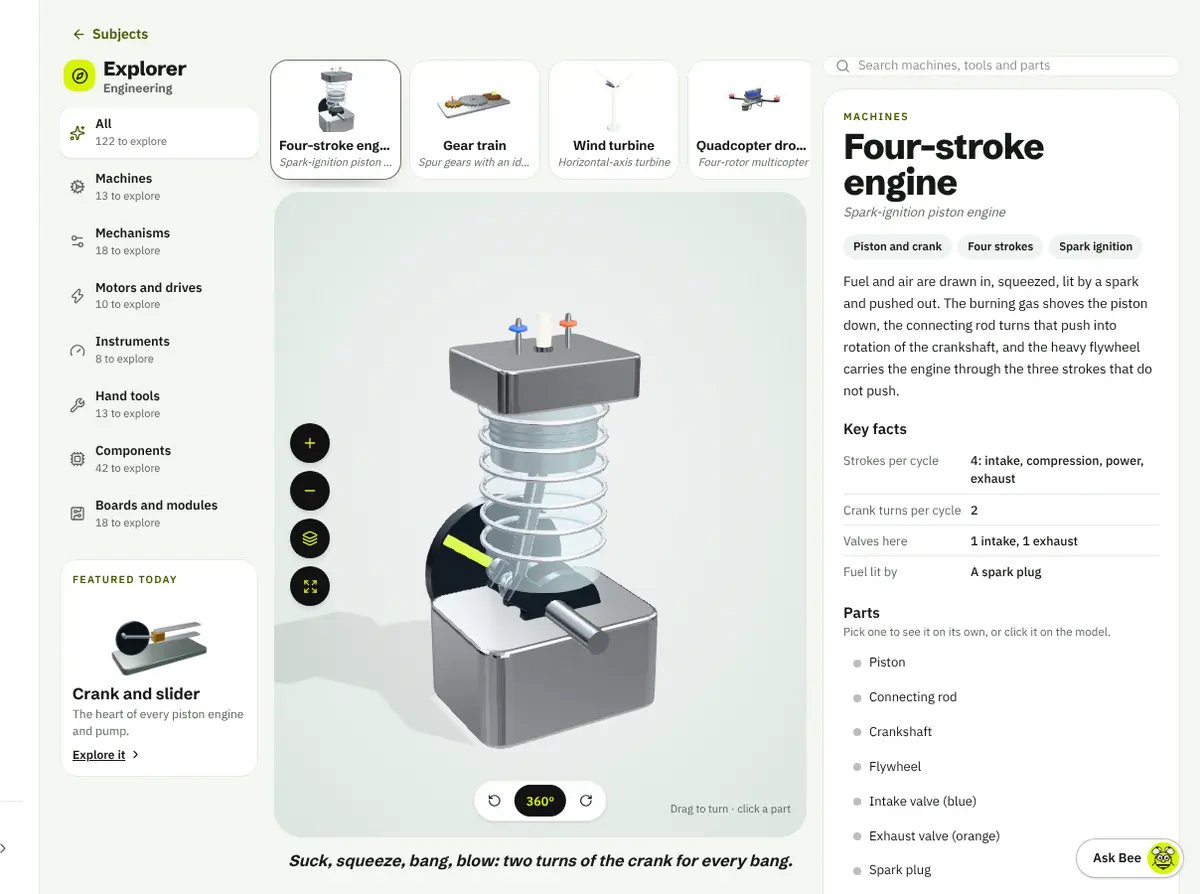
A 3D atlas of more than a hundred machines, tools and parts. Turn them, take them apart, pick any part to learn its name and job, then test yourself.

Engineering Explorer showing an animated four-stroke engine with its parts listed beside it

What you can do

  • Turn and zoom animated 3D models
  • Take a machine apart and pick each part
  • Read key facts and the specs of library parts
  • Take a quiz on every model

Why it helps

  • Know what a part does before you use it
  • Learn by looking inside, not by memorising

Marketplace

Find the tools to make it happen.

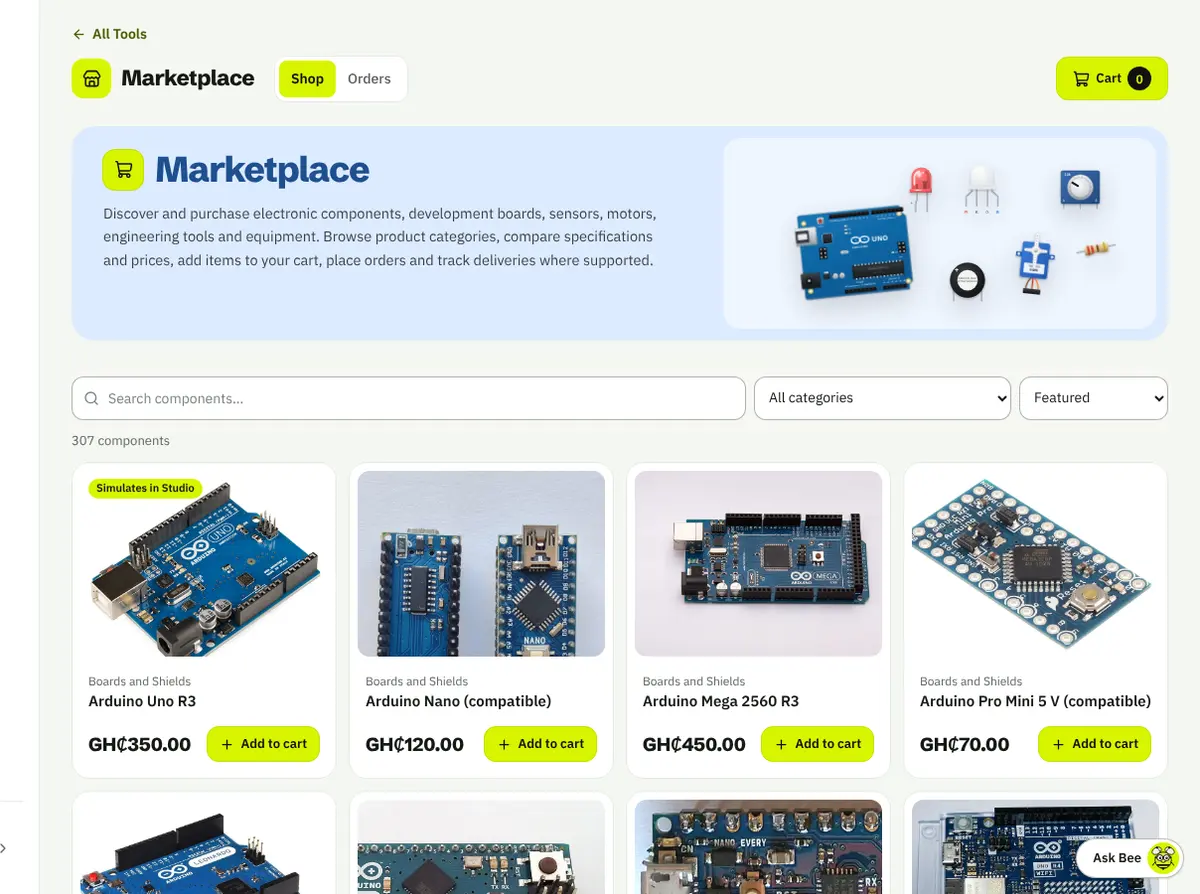
Boards, sensors, motors, components and tools for your projects, with specifications and prices side by side.

What you can do

  • Browse components, development boards and sensors
  • Find motors and robotics parts
  • Compare specifications and prices
  • Add to your cart and place an order
  • Track deliveries where supported

Why it helps

  • Go from a parts list to the parts themselves
  • Pick the right board or sensor by comparing them
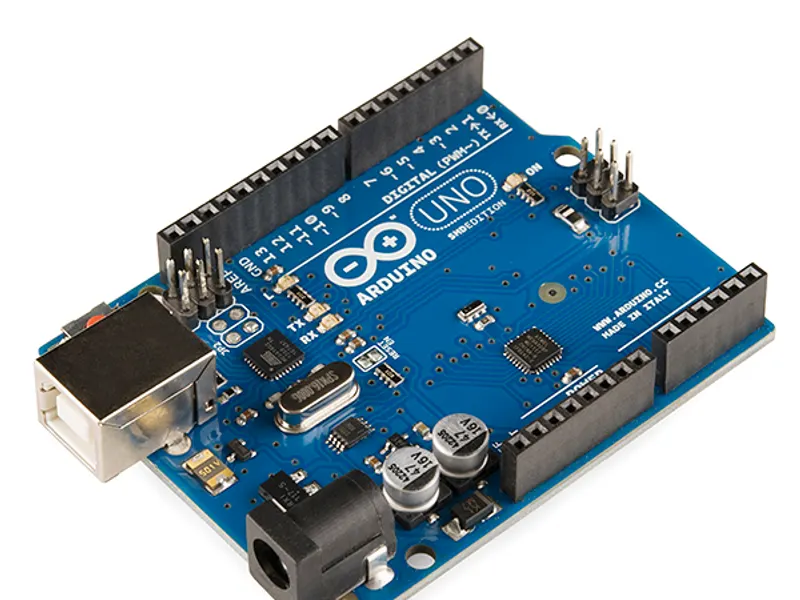
  • Arduino Uno R3

    Arduino Uno R3

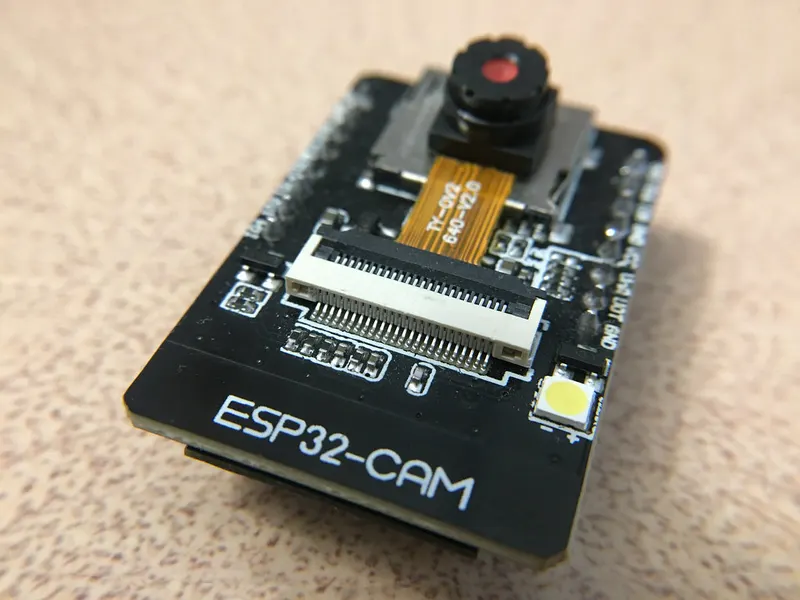
  • ESP32-CAM

    ESP32-CAM

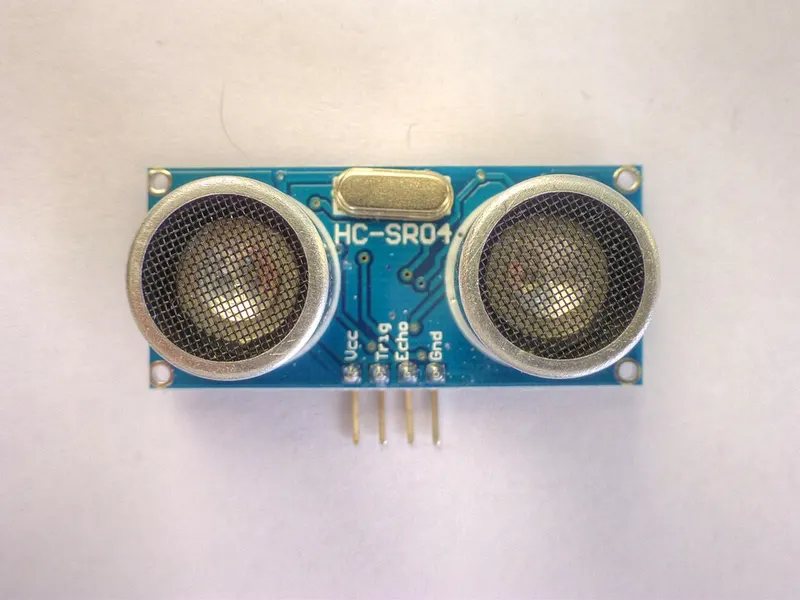
  • HC-SR04 ultrasonic sensor

    HC-SR04 ultrasonic sensor

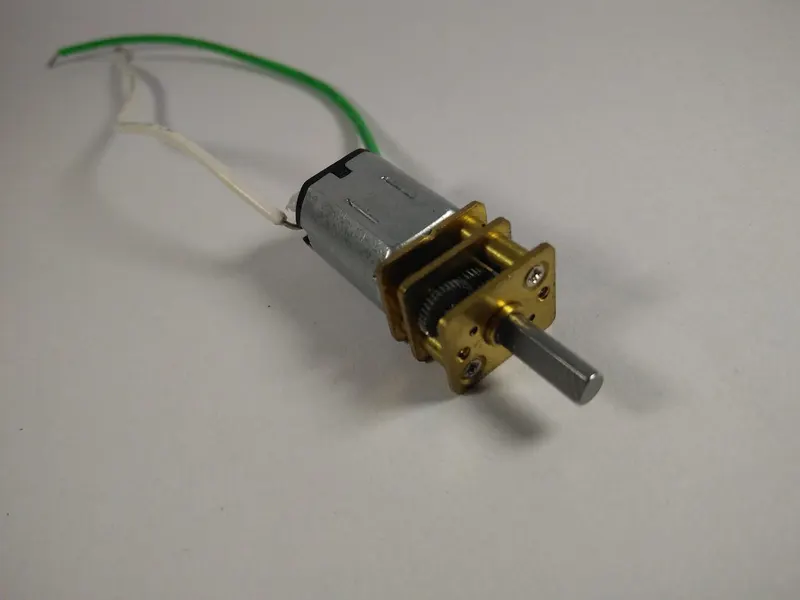
  • Gear motor

    Gear motor

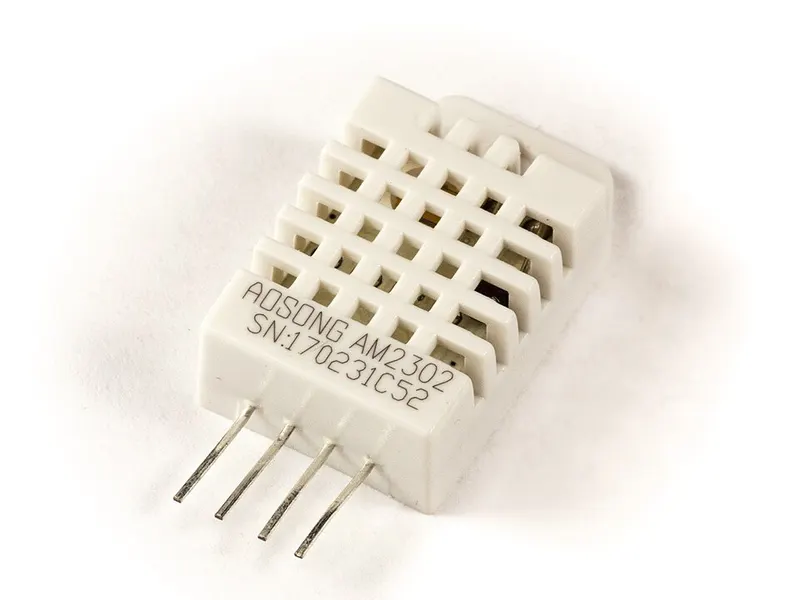
  • DHT22 sensor

    DHT22 sensor

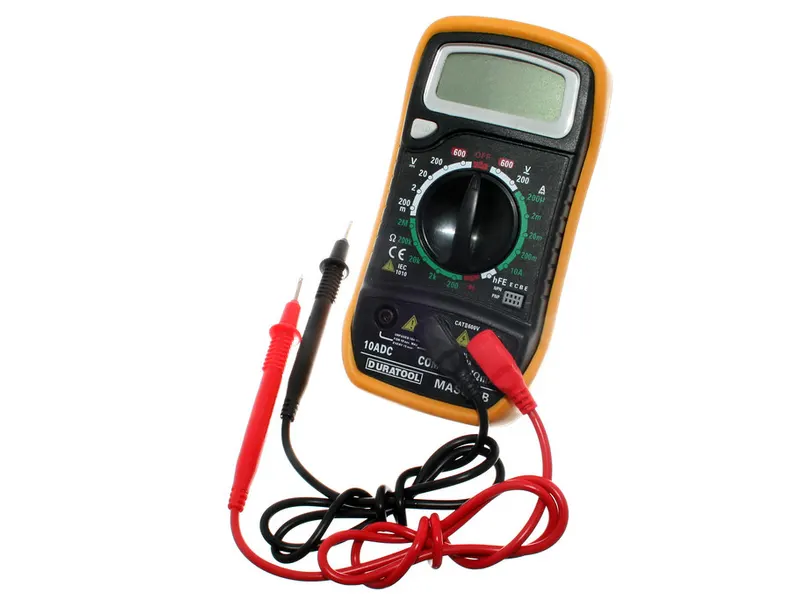
  • Multimeter

    Multimeter

Imagine and make

Turn an idea into a plan, a part you can print and an app you can tap.

3D Design Studio

Turn ideas into 3D designs.

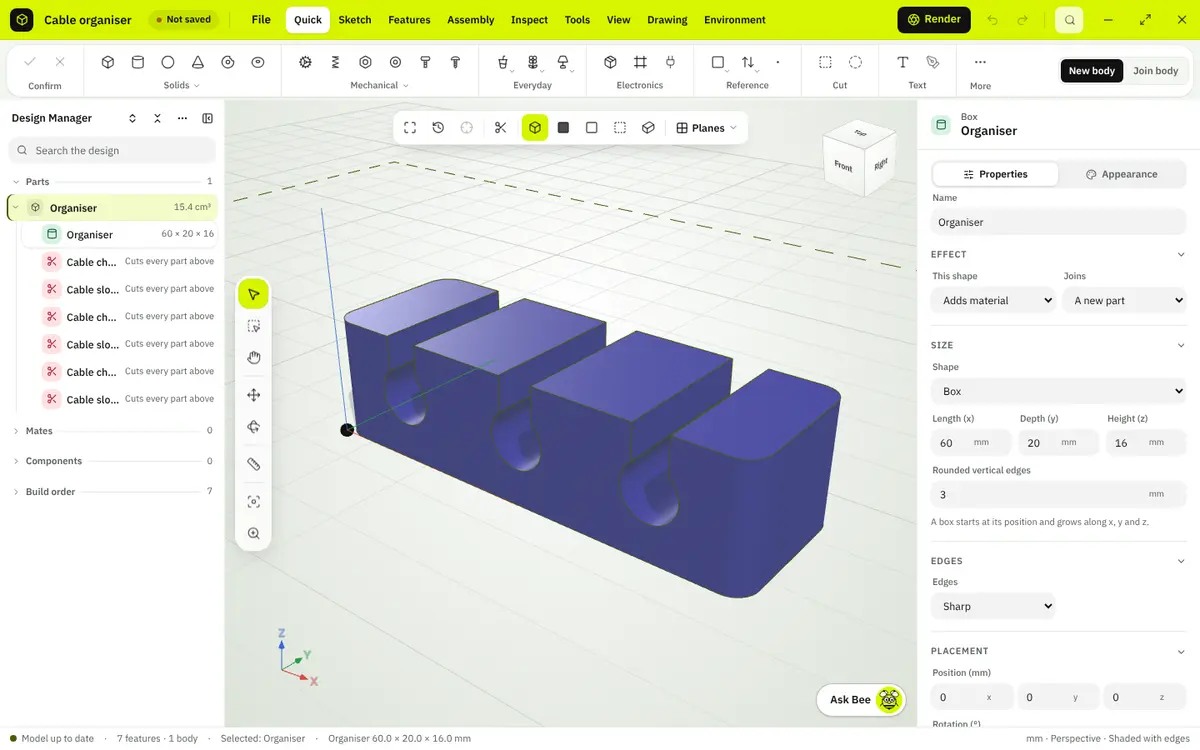
Parametric CAD in your browser: sketch, extrude and shape enclosures, brackets and mechanical parts, check that they fit, and export them for your printer.

What you can do

  • Sketch, extrude, revolve, cut, fillet and shell
  • Start from templates and everyday objects
  • Assemble parts with mates and exploded views
  • Import STL, OBJ and 3MF meshes
  • Make engineering drawings
  • Export 3MF, STL and OpenSCAD
  • Ask The Bee to build or change a design (Pro)

Why it helps

  • See a case around your board before you print it
  • Change one dimension and let the design follow
  • Reuse a design across projects
3D Design Studio editing a cable organiser with the design tree and its properties
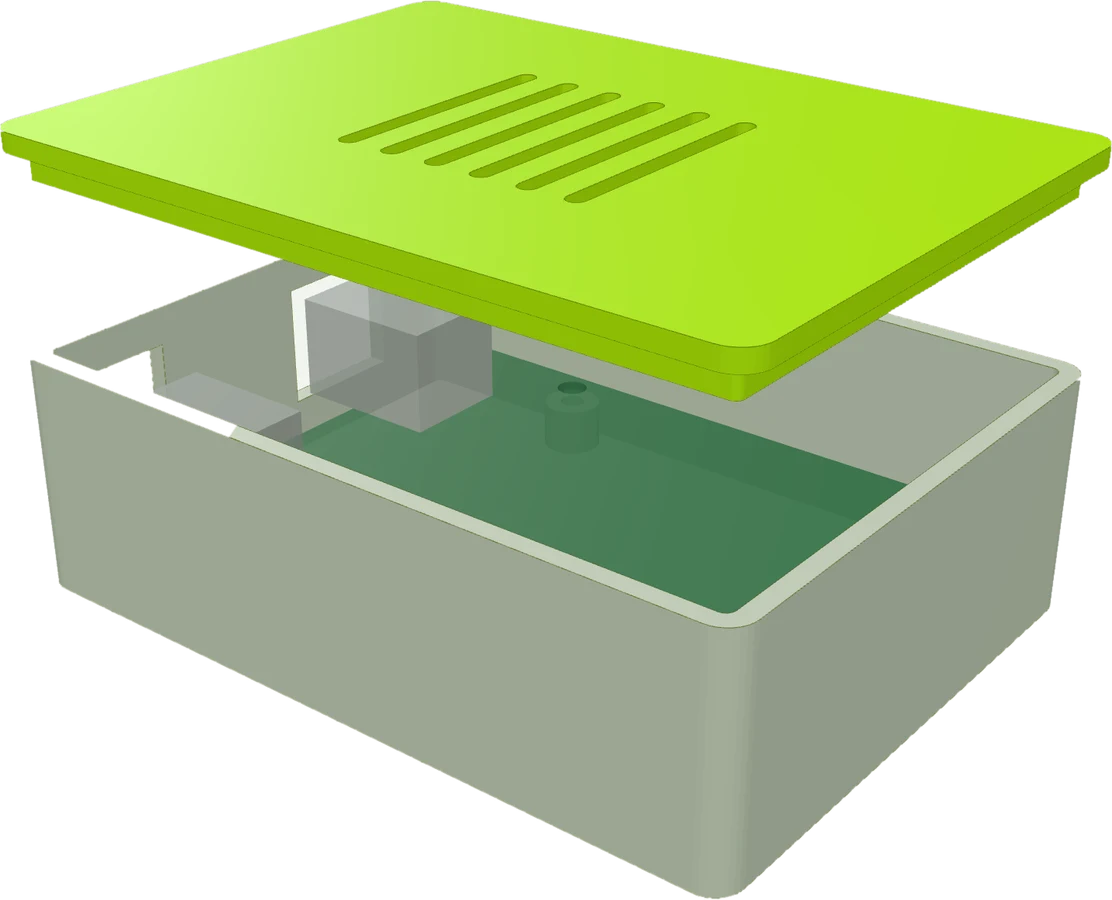
A two-part case for an Arduino Uno, rendered in the 3D Design Studio
An Uno case, ready to print
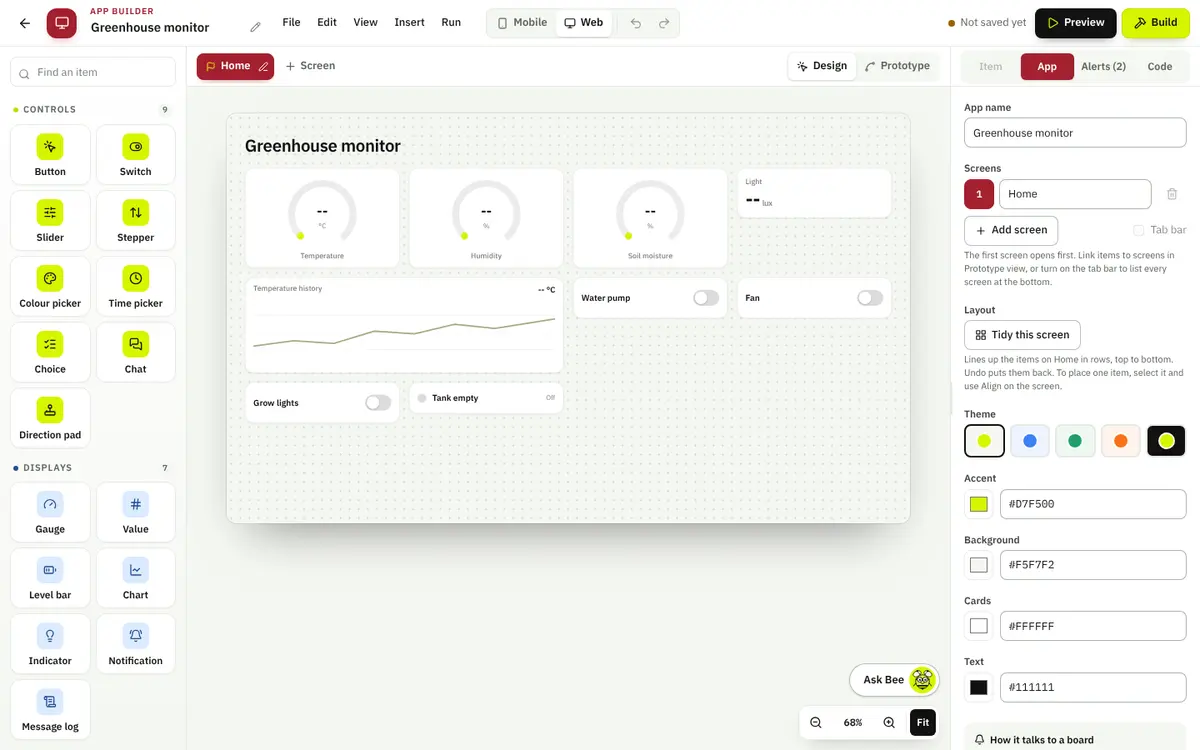
App Builder editing a greenhouse monitor app with gauges, a chart and switches

App Builder

Give your hardware an interface.

Build phone and web apps that control your boards and show what their sensors read: buttons, sliders and switches on one side, gauges, charts and alerts on the other.

What you can do

  • Drag in buttons, switches, sliders and pads
  • Show live readings on gauges, charts and indicators
  • Set alerts and notifications
  • Talk to a board over Bluetooth or Wi-Fi
  • Download an Android Studio project
  • Publish a live app at its own address

Why it helps

  • Control a project without a laptop on the bench
  • Read sensor data at a glance instead of raw numbers
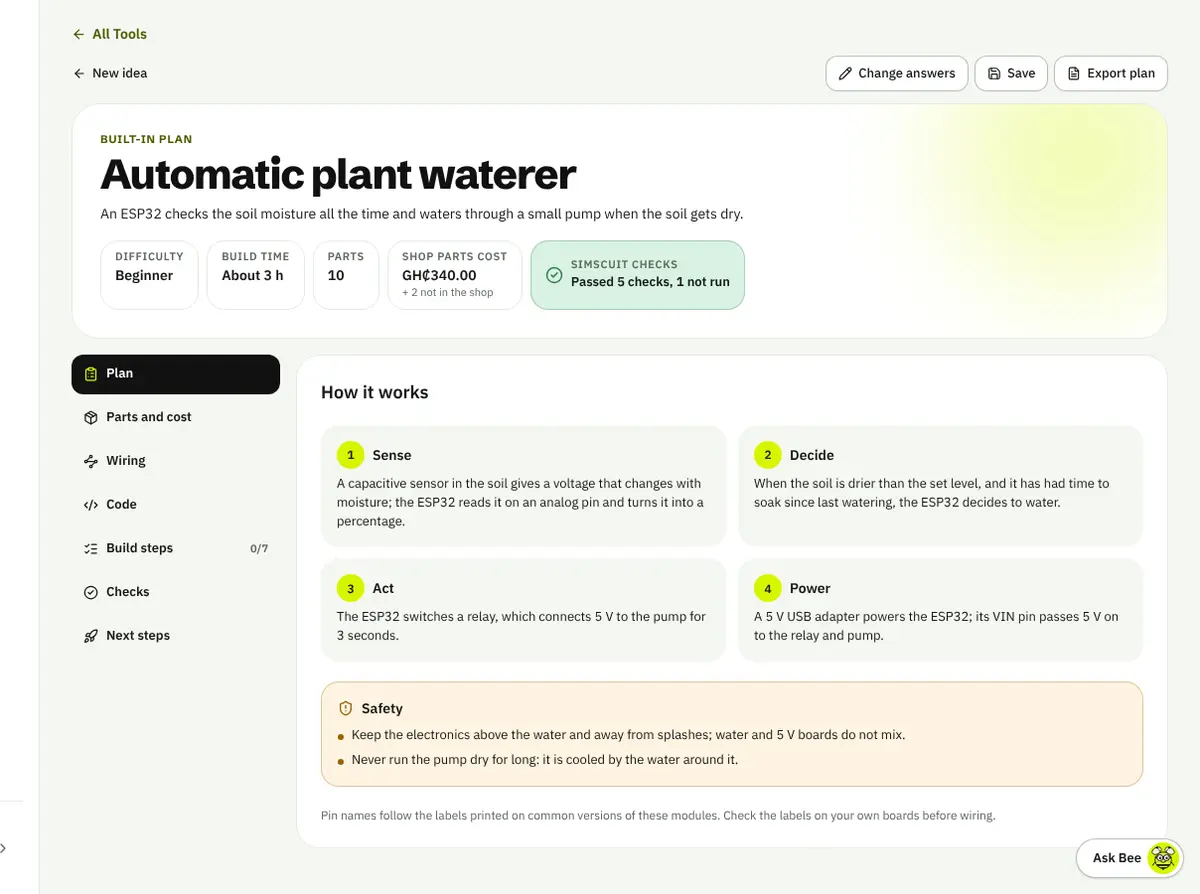
Project Builder plan for an automatic plant waterer with cost, parts count and checks

Project Builder

From an idea to an engineering plan.

Say what you want to make and answer a few questions. You get one plan with the parts and their cost, the wiring, the code and the build steps, with checks that say what passed.

What you can do

  • Describe an idea in words, a voice note or pictures
  • Answer questions that shape the plan
  • Get parts with shop prices and a total cost
  • See the wiring and the code
  • Follow build steps and tick them off
  • Open the plan in the other studios

Why it helps

  • Start a project knowing what it needs
  • Spot what is missing before you buy anything
Build Your Project

Plans written from your own idea by The Bee are on Pro; ready-made plans are open to everyone.

Engineer and simulate

Boards, robots and the skills to build them, tested before anything is bought.

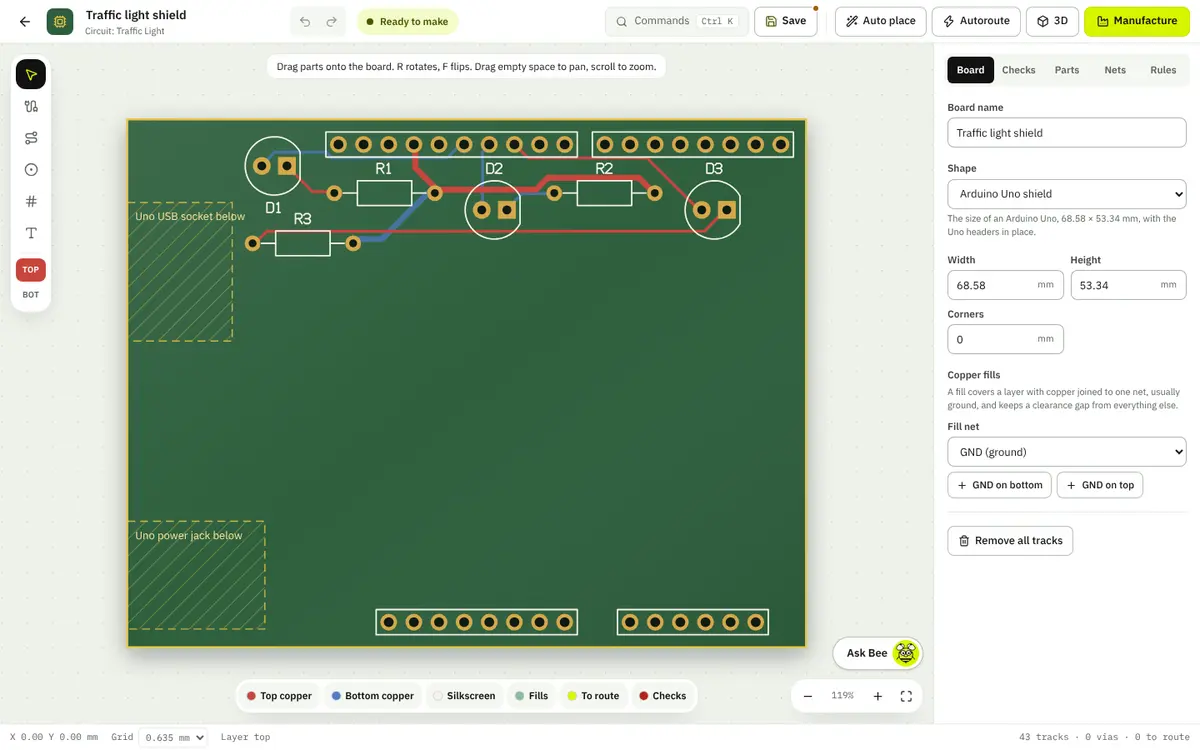
PCB Design Studio with a routed traffic light shield for an Arduino Uno

PCB Design Studio

Design the boards behind your ideas.

Turn a circuit into a two-layer printed circuit board: place the parts, route the copper, check the rules and export the files a factory needs.

What you can do

  • Make a board from a Circuit Studio schematic
  • Place parts by hand or automatically
  • Route tracks on two layers, or autoroute them
  • Run live design rule checks
  • See the board in 3D
  • Export Gerber, drill, BOM and placement files

Why it helps

  • Catch clearance and wiring problems before manufacture
  • Go from breadboard to a board you can order

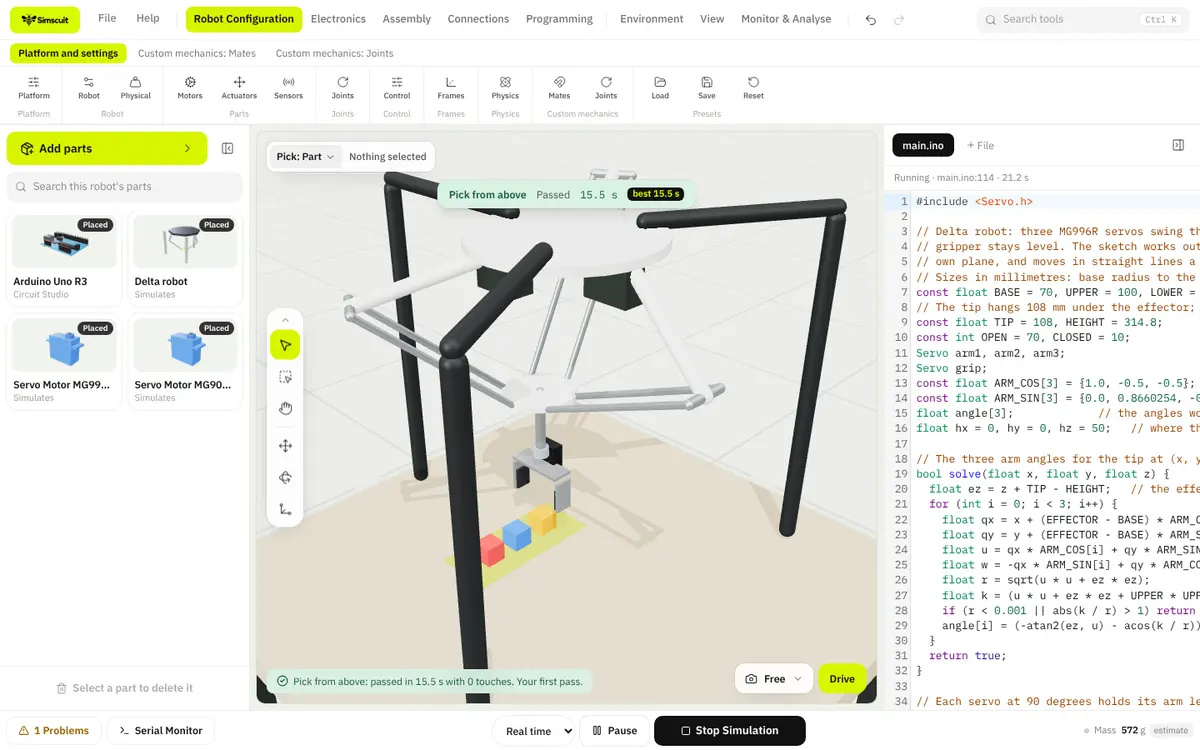
Robotics Studio

Design robots. Engineer possibilities.

Build a robot from real parts, wire it, program it in Arduino code and run it on real physics. Start from a standard platform or a blank frame, then change it until it works.

What you can do

  • Start from sixteen standard platforms
  • Place motors, servos, sensors and controllers
  • Wire every connection and check it
  • Write the firmware in Arduino code
  • Build worlds and missions to test in
  • Run on Rapier and MuJoCo physics
  • Push, load and fault it in experiments
  • Import URDF robots and simulate their joints

Why it helps

  • Find mechanical and wiring problems before you build
  • Try a design change in seconds
  • Learn robotics by engineering, not by watching
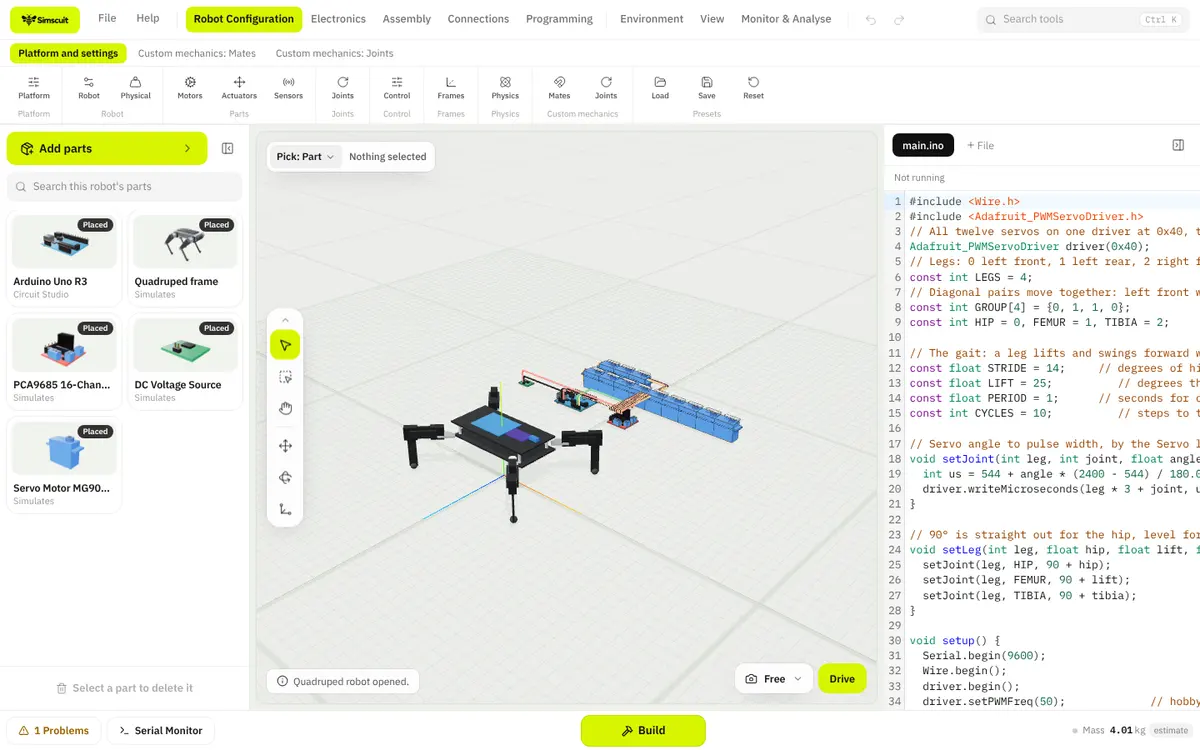
Robot Builder running a delta robot that has just placed three blocks, mission passed in 15.5 secondsRobot Builder with a quadruped robot, its parts and its walking sketch
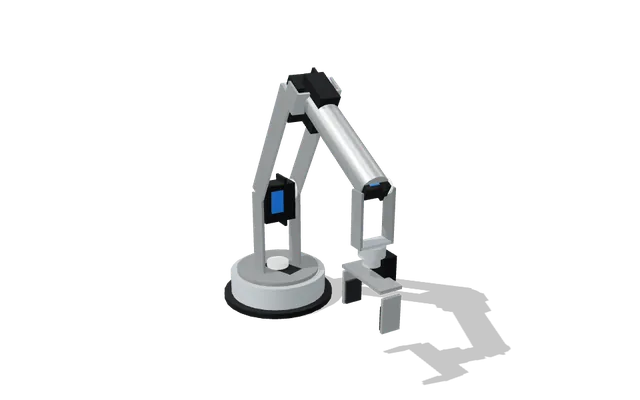
  • 6-DOF robot arm

    6-DOF robot arm

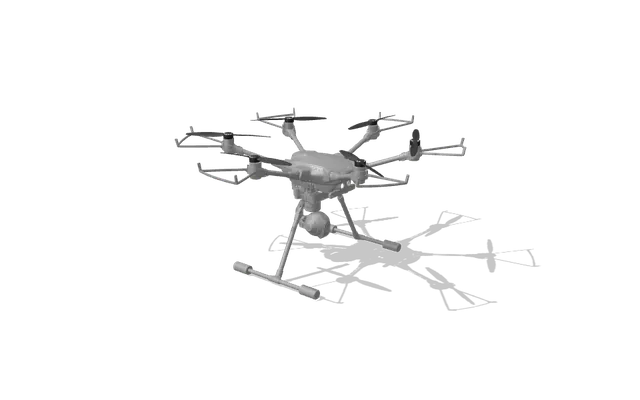
  • Hexacopter

    Hexacopter

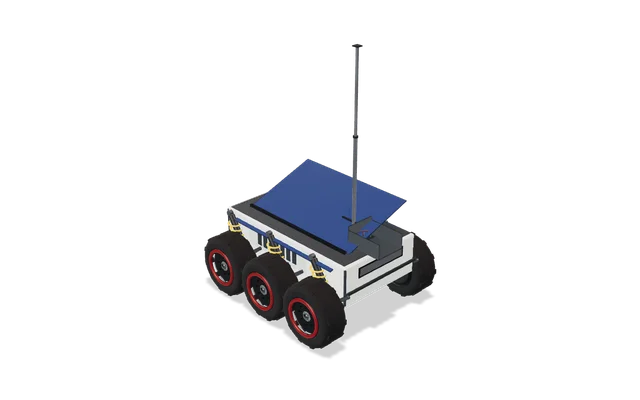
  • Rocker-bogie rover

    Rocker-bogie rover

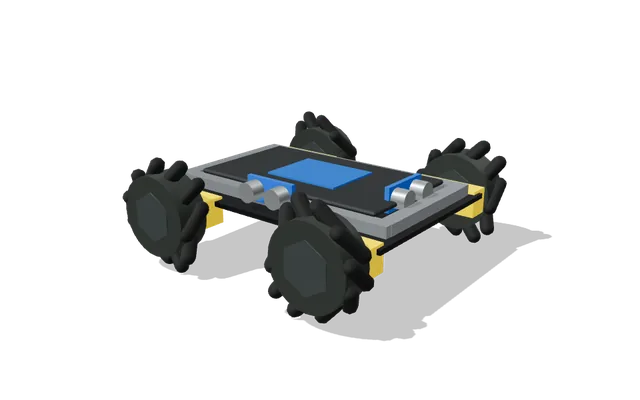
  • Mecanum platform

    Mecanum platform

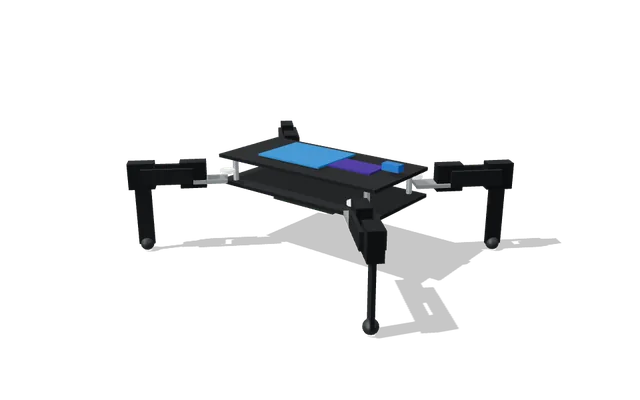
  • Quadruped

    Quadruped

Every one of these runs its own Arduino sketch on Rapier or MuJoCo physics:

  • Differential drive
  • Ackermann
  • Mecanum
  • Tracked
  • Six-wheel rocker-bogie
  • Quadruped
  • Hexapod
  • Biped
  • Humanoid (ROBOTIS OP3)
  • Robot arms and SCARA
  • Delta
  • Cartesian gantry
  • Quadcopter to octocopter
  • Fixed-wing and VTOL
  • Underwater ROV
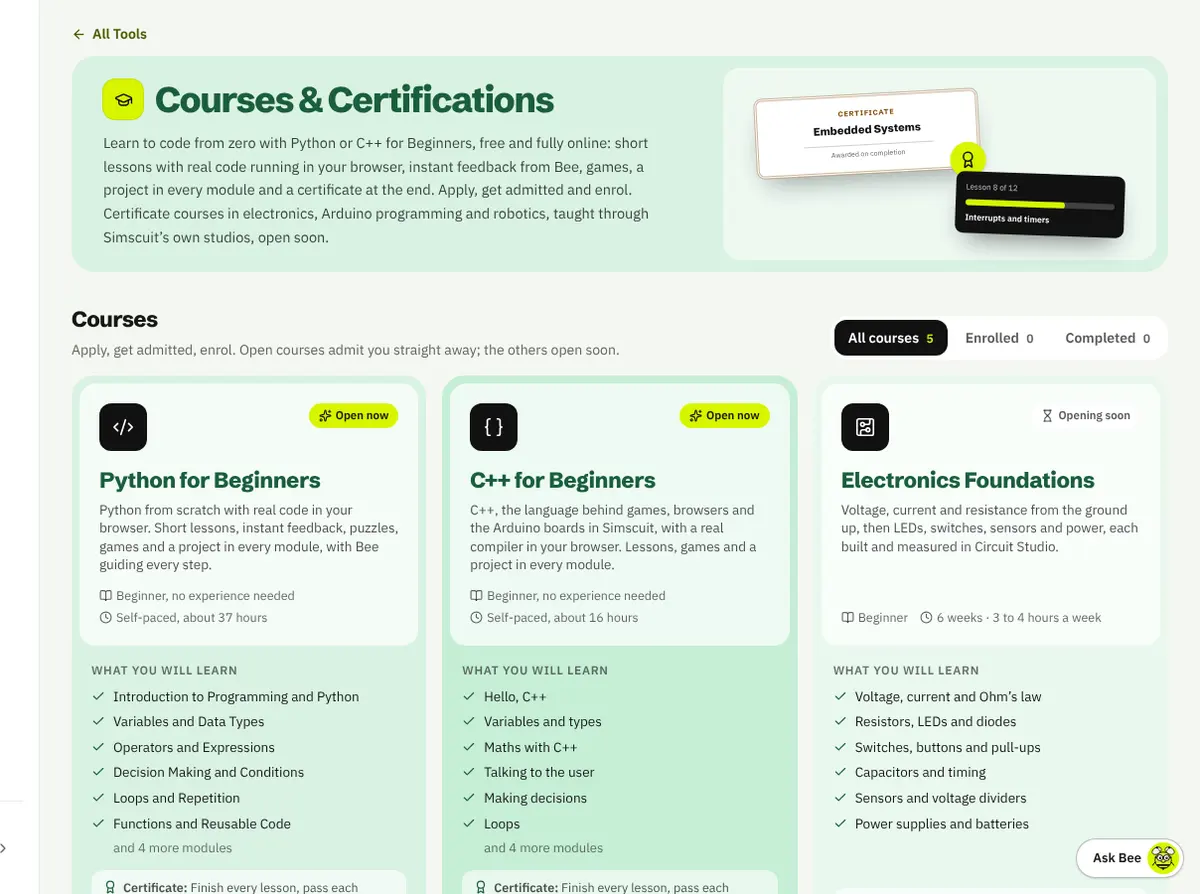
Courses and Certifications listing Python for Beginners, C++ for Beginners and Electronics Foundations

Courses & Certifications

Learn. Practise. Prove what you know.

Python and C++ for Beginners are open now, free and fully online: short lessons with real code running in your browser, a project in every module and a certificate at the end. Certificate courses in electronics, Arduino and robotics open later.

What you can do

  • Apply and enrol in a course
  • Run real Python and C++ in the browser
  • Do exercises with instant feedback
  • Take module tests and quizzes
  • Track your progress across devices
  • Earn a certificate of completion

Why it helps

  • A clear path from zero to working code
  • Proof of what you have finished

Code and play

Write the firmware, sharpen the basics and keep the small jobs quick.

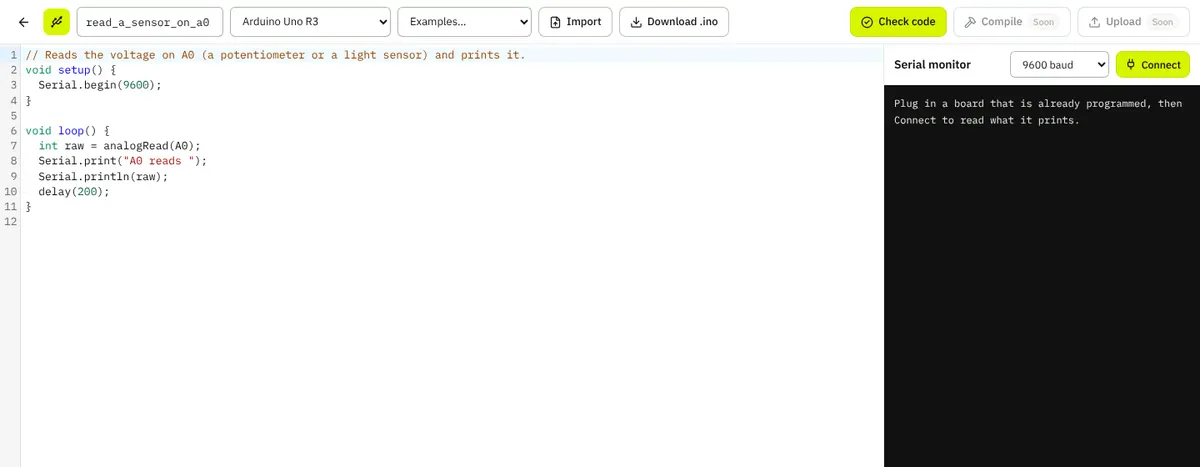
Hardware Programmer with an Arduino blink sketch and the serial monitor

Hardware Programmer

Write code. Program hardware. Make it work.

A full code editor for Arduino, ESP32, Raspberry Pi Pico and STM32 boards: pick a board, start from an example, check for common mistakes and read the board over USB.

What you can do

  • Choose your board
  • Write, import and download sketches
  • Check code for common mistakes
  • Read a connected board in the serial monitor

Why it helps

  • Fewer trips between tools while you write firmware
  • Catch simple mistakes before they reach the board
Start Programming

Compiling and uploading from the browser are coming soon.

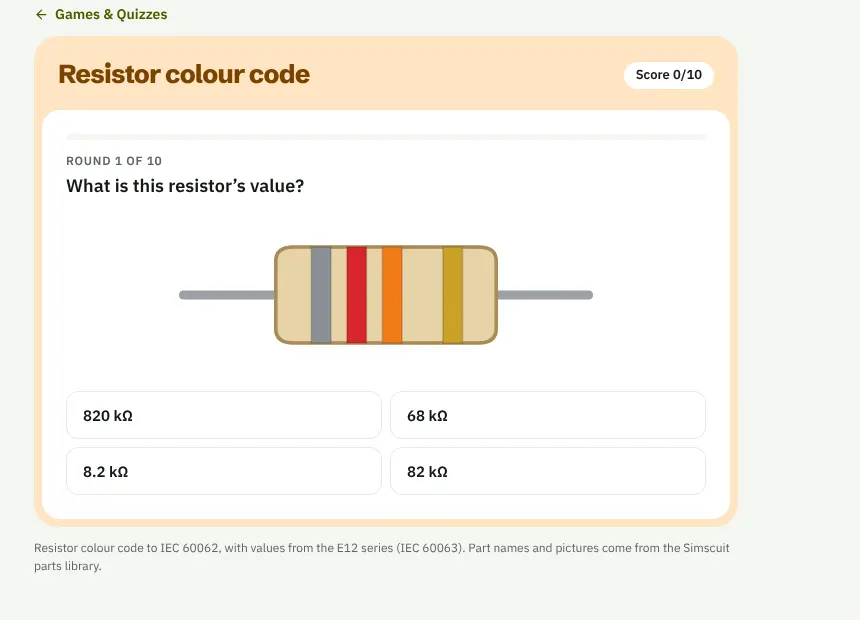
The resistor colour code game asking for the value of a resistor

Games & Quizzes

Engineering can be fun.

Quick games and quizzes that turn the basics into practice: read resistor bands, race Ohm’s law, crack truth tables and name the parts.

What you can do

  • Resistor colour code
  • Ohm’s law sprint
  • Logic gate detective
  • Name that part
  • Unit prefix sprint
  • Electronics, Arduino and multimeter quizzes

Why it helps

  • Practise until the basics are automatic
  • Beat your best score

More ToolsSoon

More tools. More ways to create.

A growing shelf of small utilities for the jobs between projects. They are being built now.

  • Electronics calculators
  • Unit converters
  • Battery-life estimators
  • Component selection tools
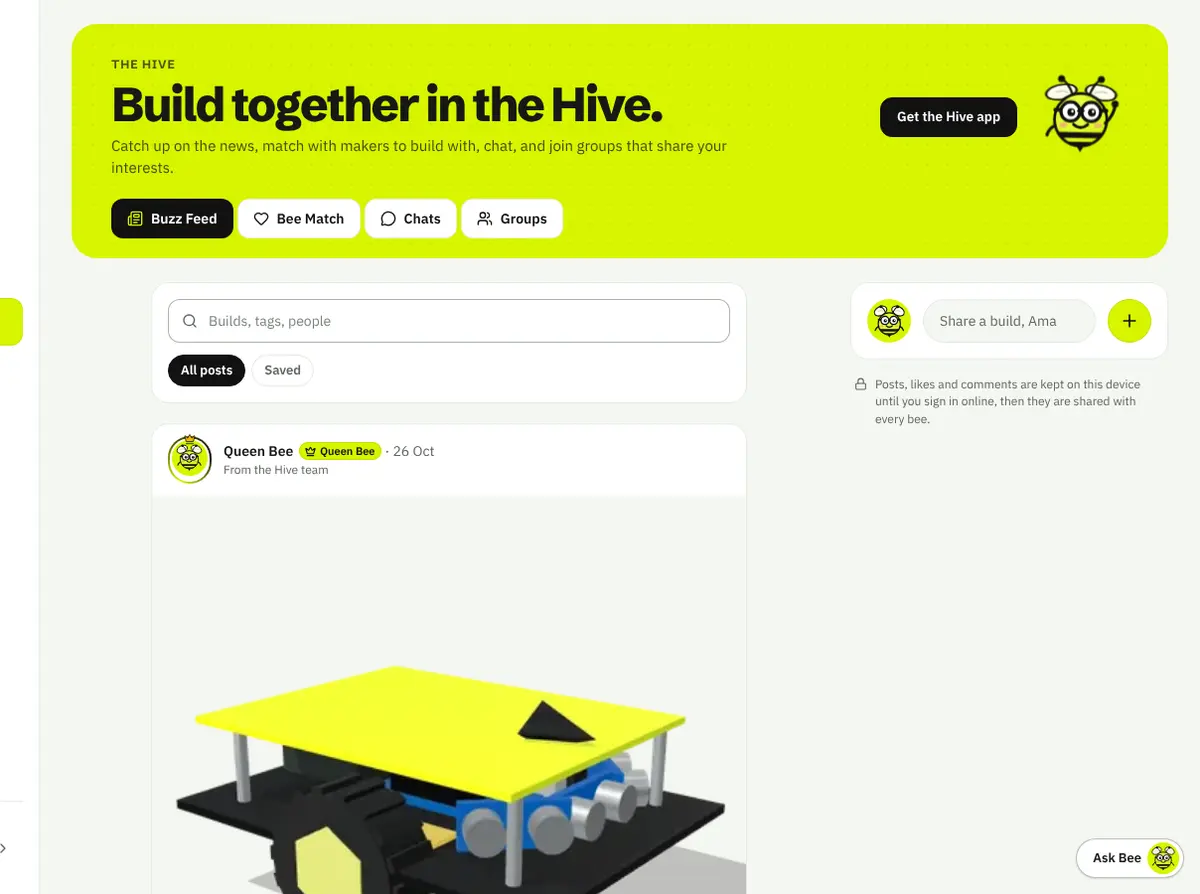
The Buzz Feed in The Hive with a post from Queen Bee

The Hive

Welcome to The Hive. Where ideas connect.

The community at the heart of Simscuit, where students, makers and engineers share what they build, ask questions and find people to build with.

  • Make a profile with your own bee
  • Share builds with photos
  • Like, save and comment
  • Join groups and chat in them
  • Find people to build with in Bee Match
  • Climb the ranks
Enter The Hive

Bring your team into one engineering workspace.

Organisations give schools, universities and companies their own workspace: administrators and members, the tools they choose to open and the projects they share.

  • Members by invitation, code or approved email
  • Student accounts made in bulk
  • Choose which tools are on
  • Shared organisation projects
  • Usage and analytics
  • An audit log of every change

Create. Teach. Share. Grow with Simscuit.

The Creator Programme invites educators, developers and content creators to apply for a Promotional or an Education track. Every application is reviewed, and each track opens once it is approved.

  • Promotional track
  • Education track: propose and help develop courses
  • Share engineering knowledge
  • A creator dashboard for approved tracks

Your next great idea belongs here.

Explore new possibilities, grow your skills and bring your engineering ideas to life with Simscuit.