Write and check microcontroller code in the browser
The Hardware Programmer is a code editor for real boards. Choose an Arduino, ESP32, Raspberry Pi Pico or STM32 board, start from an example or import your own sketch, check it for common mistakes and read the board over USB with the browser’s Serial Monitor.
A full editor for sketches
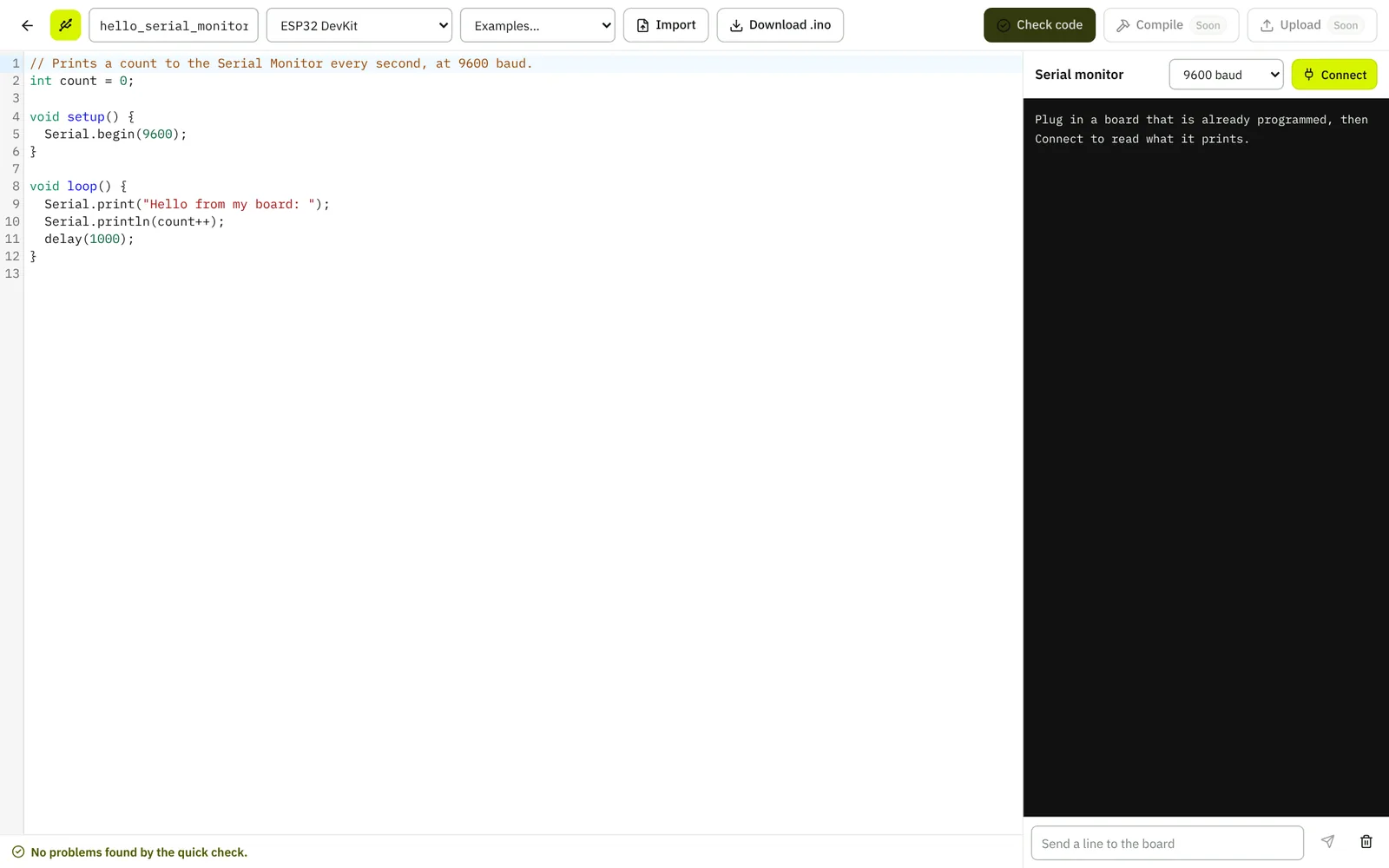
Syntax highlighting, ready examples (Blink, Serial Monitor, a sensor on A0, a button and LED), import of .ino files and download of your sketch. The quick check catches common mistakes before you go to the bench: brackets or quotes left open, a missing setup() or loop(), or Serial used without Serial.begin.
Serial Monitor over USB
In Chrome and Edge, Simscuit connects to a board that is already programmed through Web Serial and shows what it prints, at the baud rate you choose. You can send it lines too.
Run it first in the simulator
To try a sketch with a circuit before using hardware, open it in Circuit Studio’s Arduino simulator.
Not available yet
Compiling and uploading from the browser are marked Soon in the editor. Until then, download the sketch and upload it with the Arduino IDE.