ESP32 projects in your browser
Start with the ESP32 without wiring anything. Simscuit simulates the ESP32 DevKit V1, the ESP32-S3-DevKitC-1, the Arduino Nano ESP32, the Seeed XIAO ESP32C3 and the NodeMCU ESP8266 at 3.3 V with their real pin numbering, and its Hardware Programmer writes and checks code for real ESP32 boards.
Simulate an ESP32 circuit
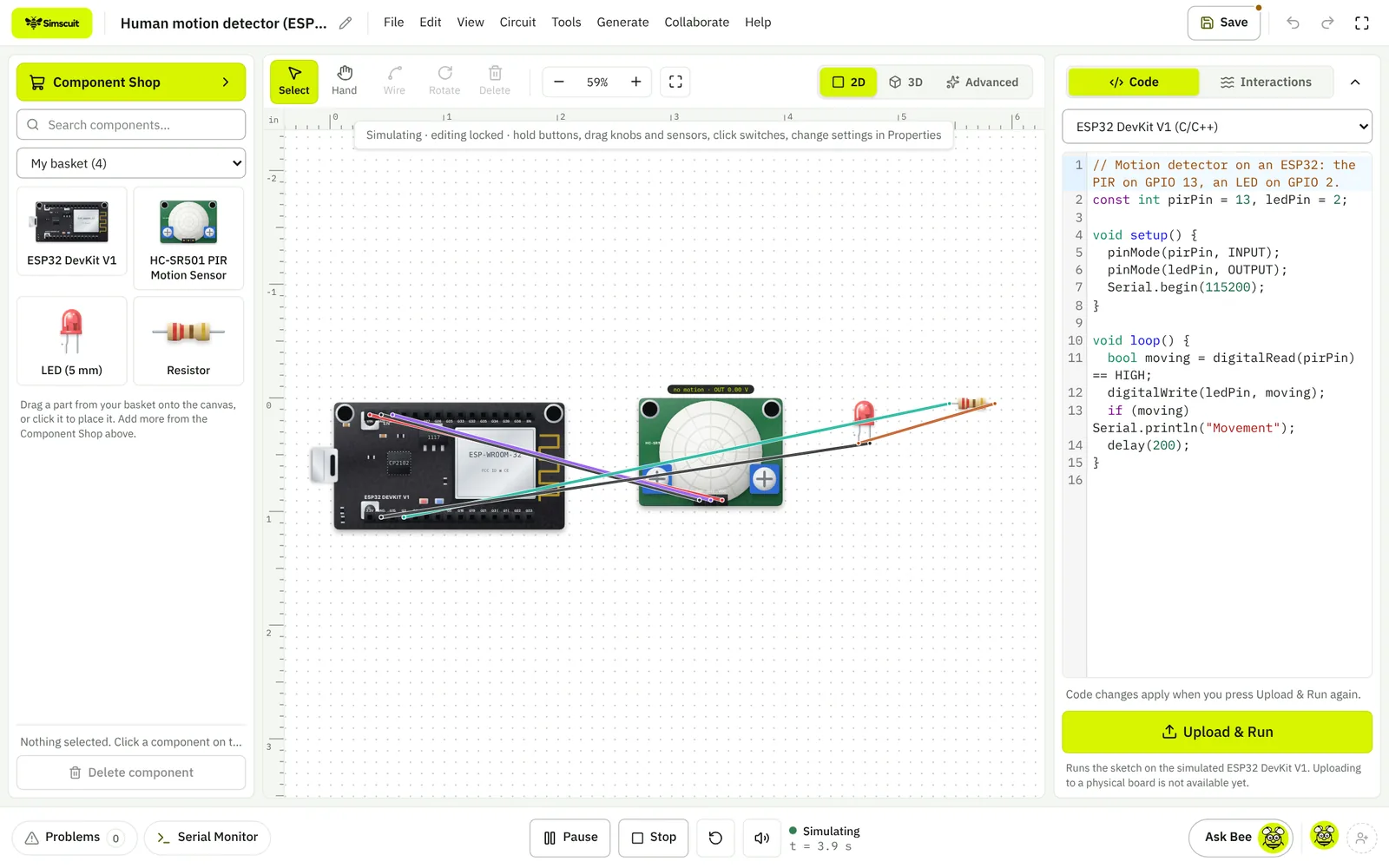
Wire an ESP32 DevKit to sensors, LEDs, displays and motors, write the sketch with the Arduino core’s functions, and run it. GPIO numbers match the board, input-only pins (GPIO 34 to 39 on the ESP32-WROOM-32) behave as inputs, and the 3.3 V logic level is respected.
Write code for a real ESP32
The Hardware Programmer has an ESP32 board setting, examples, a quick check for common mistakes and a Serial Monitor that connects to a board over USB from Chrome or Edge. Download the sketch as an .ino file and upload it with the Arduino IDE; compiling and uploading from the browser are coming.
What the ESP32 simulation does not cover
Wi-Fi and Bluetooth radio libraries are not simulated, so sketches that connect to a network run their pin and sensor logic only. The rest of the interpreter’s limits apply: no interrupts, classes or pointers yet.
Learn the ESP32
Questions
Which ESP32 boards are supported?
ESP32 DevKit V1 (ESP32-WROOM-32), ESP32-S3-DevKitC-1, Arduino Nano ESP32, Seeed XIAO ESP32C3 and NodeMCU ESP8266.
Can I test Wi-Fi code?
Not yet. Network libraries are not simulated; pins, sensors, displays and Serial are.