One platform for the whole electronics project
Most electronics projects move through several tools: a simulator, a code editor, a PCB tool, a CAD program and a parts list. Simscuit puts them in one place that runs in the browser, so a project can go from an idea to a tested circuit, a board, an enclosure and a robot without exporting and importing between programs.
The tools
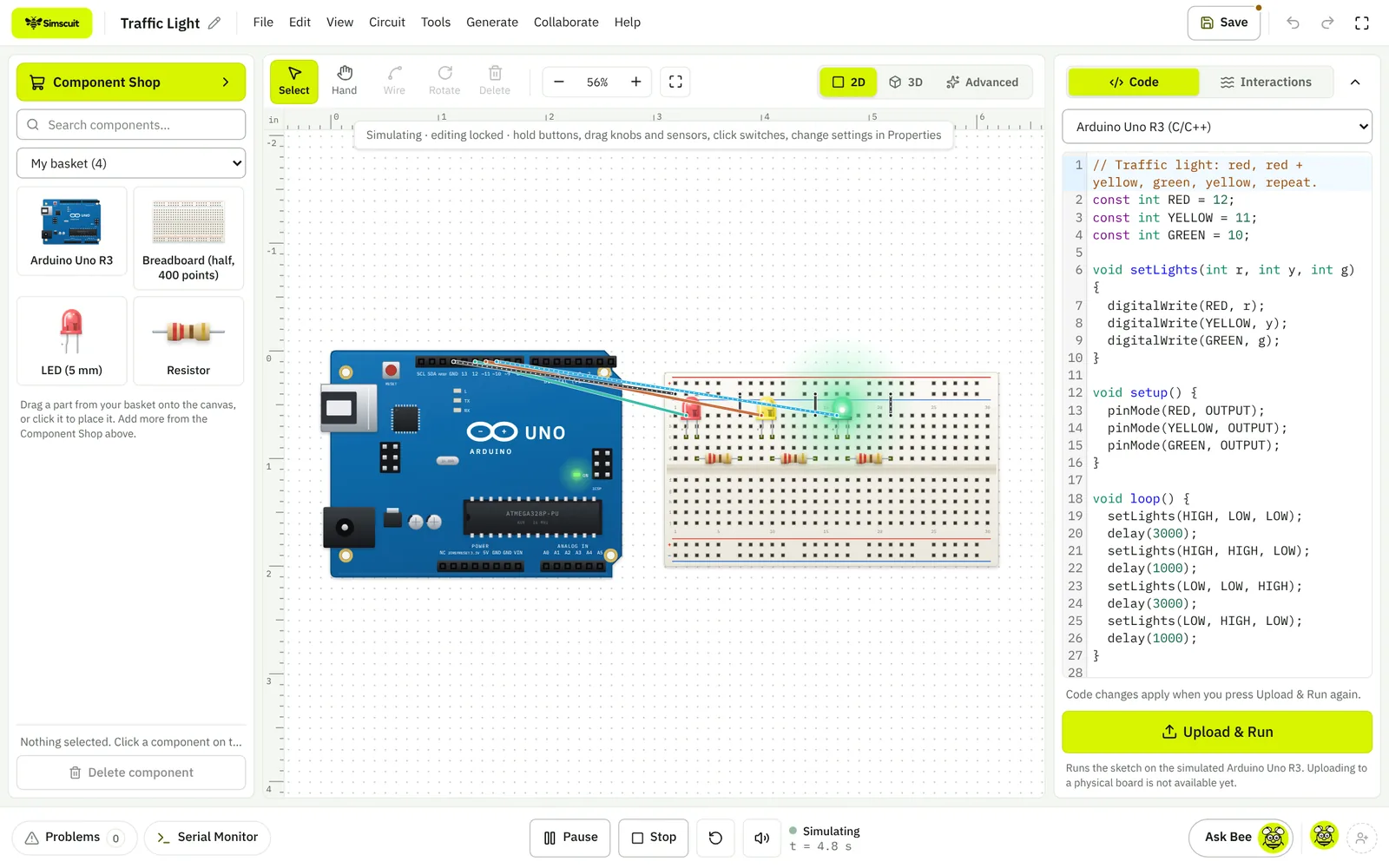
Why people choose Simscuit
- The whole project in one browser tab: circuit, code, simulation, PCB, 3D enclosure, robot, phone app and course, all working from the same project instead of six programs that do not talk to each other
- More than 1,000 real components drawn at real size, with pinouts on the 0.1 inch grid and specifications linked to the datasheet they came from
- Mistakes that teach: parts pushed past their datasheet limits glow, smoke and burn out, and Simscuit shows the exact number that was exceeded
- About 20 boards simulated with their own pins and voltages: Arduino Uno, Nano, Mega and R4, ESP32 and ESP32-S3, ESP8266, Raspberry Pi Pico W, STM32, Teensy 4.1 and micro:bit
- Files ready for the factory: Gerber X2, Excellon drills, BOM, pick-and-place and a KiCad 7 project, checked with an independent Gerber reader and by opening them in KiCad
- Real languages for learners: Python runs on real CPython (Pyodide) and C++ compiles with real Clang, right in the browser
- Robots with real physics: rovers, arms, walkers, drones and an underwater ROV, programmed with ordinary Arduino sketches
- Free to start, nothing to install, runs on laptops, Chromebooks and tablets, and keeps working offline as an installed app
- Honest by design: anything that does not simulate yet is labelled Visual only, never passed off as working
Plan a project from an idea
Project Builder asks a few questions about what you want to make and returns a plan with parts and prices, a pin-to-pin wiring diagram, code and build steps, with checks that say what passed. Each part of the plan opens in the matching studio.
Build the app that controls it
App Builder makes phone and web apps with buttons, sliders, gauges and charts that talk to your board over USB serial or Bluetooth LE, and downloads an Android Studio project.
Learn while you build
Free Python and C++ courses, a 3D Explorer of machines and components, electronics games and tutorials sit beside the tools.